
Taming the Data Entry Parrot: Polly Wants a Repeating Study Form · Part 3 of 3
Correcting Double Vision: Visual Tips for Managing Repeating Forms
Repeating forms can become difficult to manage when the same information appears across visits, dates, and related events. Part 3 looks at how thoughtful layouts and timelines can help people see what already exists, understand how it fits together, and know where new information belongs.
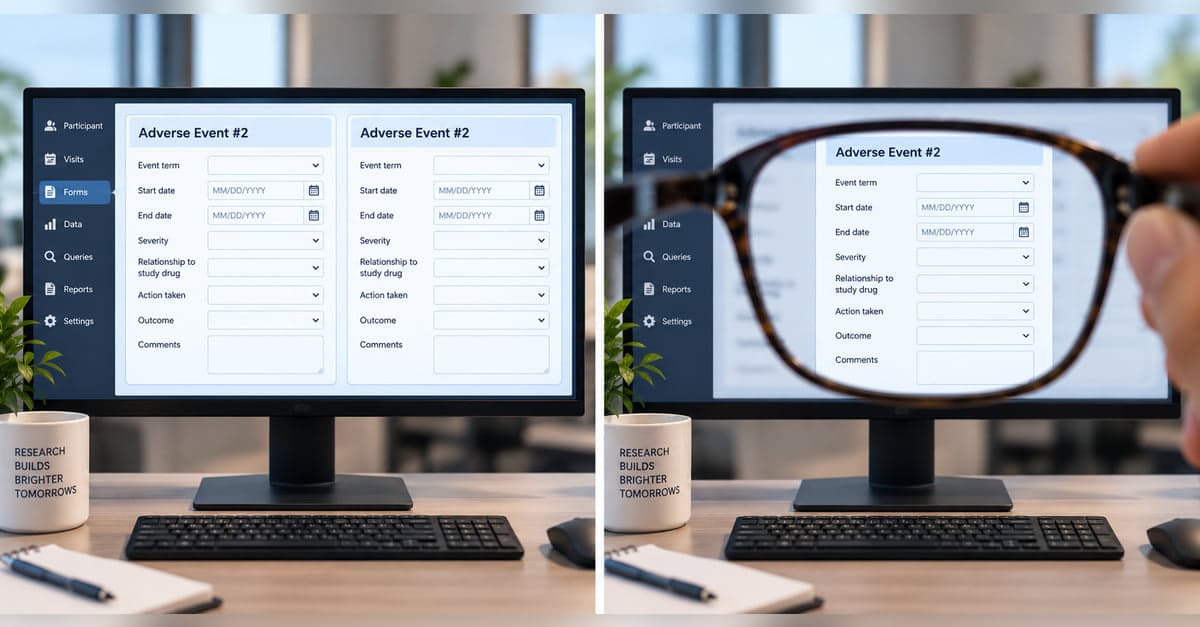
Once we've determined whether new form is needed and how to populate the fields, a different issue pops up. Where does it belong?
That sounds straightforward when the study schedule provides the answer. A Week 4 vitals form belongs to Week 4. A Baseline questionnaire belongs to Baseline.
But repeating forms don't always fit neatly inside the study schedule.
A medication may begin three months before a study visit and continue through the next four. An adverse event may begin between visits and remain active across several of them. An angiogram may occur on a particular date and identify several AVMs that are then followed independently.
The participant has one history. The study may give us several different ways of looking at it. And the person entering data needs to be able to see how those pieces fit together.
What Does This Instance Belong To?
Consider two kinds of repeating information. A participant completes three pain assessments during Visit 4. Each assessment clearly belongs to Visit 4. If we're looking for Assessment 2 later, knowing the study event helps us find it.
A medication is different. It may have started before Visit 1, continued through Visits 2 and 3, and ended between Visits 3 and 4.
Forcing that medication to "belong" to one of those visits can create a misleading picture. The medication belongs to the participant's history, while individual study visits may simply give us opportunities to review or update it.
The same issue arises with adverse events, diagnoses, tumors, procedures, and other information that can persist across study events.
So one of the first questions is not simply when was this entered?
It's what does this instance belong to?
When Does It Start?
Dates can look like simple fields on a form, but they often define how a repeating instance relates to everything around it. Sometimes the start date is naturally tied to the study event. If we're recording a procedure performed during today's visit, the relationship may be obvious. Other times it isn't.
A participant may report at today's visit that Medication A started six weeks ago. An adverse event may have begun yesterday. A planned medication change may have a start date next Monday. That means the date on the repeating form and the date of the study visit aren't necessarily the same thing. Even a future date isn't automatically wrong. It depends on what the form is meant to represent.
And When Does It End?
Suppose we're following an adverse event. There may be a point when the adverse event itself ends. There may also be a different point when the study stops collecting information about it. Those are typically not the same date.
An event could resolve on June 12, with a final follow-up assessment completed on June 15. Or data collection could end while the event itself remains unresolved because the participant has completed the study.
If the form gives us a single field called End Date, we've hidden that distinction.
Some events may not have an end at all. A participant may have a seizure type that remains part of their clinical history throughout the study. Leaving an End Date blank might correctly mean ongoing, but it might also mean unknown, not yet entered, or not applicable.
Those are different states. If they matter, the form needs some way to distinguish them.
Dates Can Be Different Without Being Independent
Part 1 looked at a medication entered as 10 mg from January 1 through June 30, followed by an attempt to create another instance of the same medication at 20 mg from March 15 through April 30.
None of the dates match.
But the ranges overlap.
Whether that's allowed depends on what the study is trying to represent. Two tumors can obviously exist at the same time. Two courses of the same medication may also overlap legitimately under some protocols. In another study, overlapping dose records for the same medication may indicate a contradiction.
So date validation isn't always a matter of asking whether two dates are equal. Sometimes the relationship between the ranges is what matters.
Relationships Aren't Always About Time
Some repeating instances are connected in ways that dates alone can't show. An angiogram may identify three AVMs. A procedure may treat one specific tumor. A follow-up assessment may exist because a particular adverse event occurred. Those relationships matter during data entry.
If I'm entering a procedure, knowing that the participant has three tumors isn't enough. I may need to know which tumor this procedure treated. If I'm entering an AVM measurement, I may need to know which angiogram identified it. And if I'm completing an adverse-event follow-up, I need to know which adverse event triggered it.
A list of forms can tell me that all of those records exist, but very little to help me understand how they're connected.
Seeing Is Entering
This is where layout starts doing more than making a screen look organized.
Imagine entering information at Visit 4. The participant has two medications, an adverse event that began after Visit 2, an angiogram at Visit 3, and two AVMs identified from that angiogram.
I can open each form individually and piece that history together. Or the interface can show me the history.
A timeline can make it immediately apparent that Medication A was already active before the study began, Medication B started later, the adverse event remains open, and the two AVMs came from the same angiogram.
Now the display isn't simply reporting what happened. It's helping me enter what happens next.
Before creating another medication, I can see the medications already there. Before entering another AVM, I can see the ones already identified. Before closing an adverse event, I can see where it sits relative to the visits and follow-ups around it.
Seeing becomes part of entering.
The goal isn't to turn every repeating form into a timeline. Sometimes a list is exactly what someone needs. Sometimes the study event provides all the organization necessary.
But when repeated information stretches across visits, overlaps in time, or depends on other repeating information, showing those relationships can remove work that would otherwise be left to the person entering the data. The information was already connected.
The question is whether the person entering it can see the connections.
All parts in this series

Taming the Data Entry Parrot: Polly Wants a Repeating Study Form
Sometimes study forms repeat. This three-part series looks at what makes each instance unique, what happens to its data over time, and how repeating forms relate to the rest of the study.

Data Entry Déjà Vu: The Trouble With Repeating Study Forms
Repeating a form starts with a deceptively simple question: is this actually new? Part 1 looks at how to identify repeated instances, prevent duplicates and conflicts, help people recognize what’s already there, and manage what happens when “+ New” starts something else.

Acme Movers: Repeating Forms That Ship Data Forward
When a repeating form comes back, should it start fresh or bring previous data with it? Part 2 looks at what gets carried forward, what stays independent, and when previous information needs to be reviewed or reconciled.
Correcting Double Vision: Visual Tips for Managing Repeating Forms
Repeating forms can become difficult to manage when the same information appears across visits, dates, and related events. Part 3 looks at how thoughtful layouts and timelines can help people see what already exists, understand how it fits together, and know where new information belongs.
Designing something like this yourself?
Tell us what you are building and we will show you how it maps onto Studytrax.
Get started